A guide
How to get paintings as your Apple TV screen saver
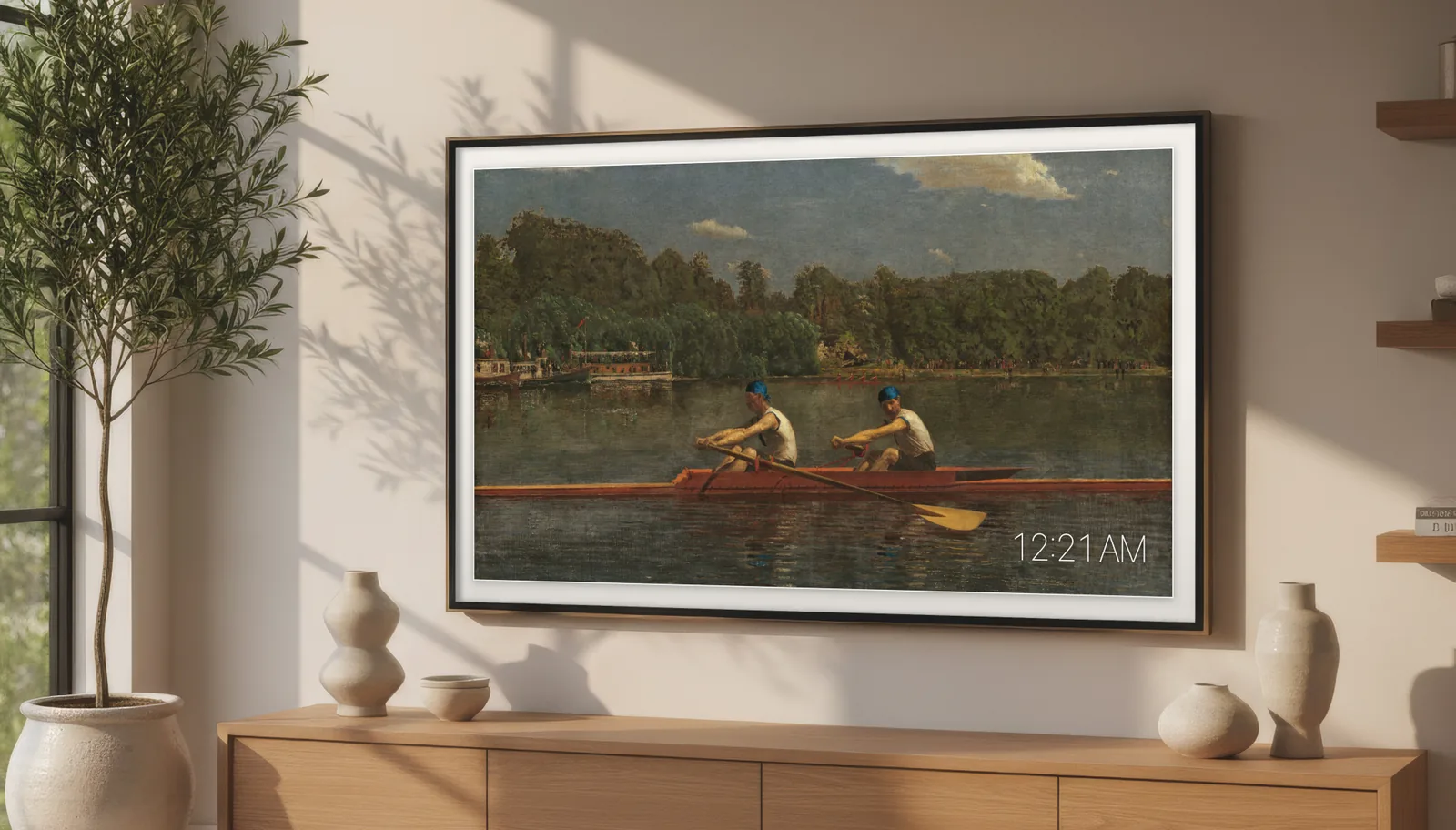
The Apple TV screen saver shows Apple's aerial films or your own photos, and there is no setting for paintings. Apps can't add screen savers of their own either. There are still two good ways to get a painting on your TV when nobody is watching: put art in a photo album and use that as the screen saver, or leave an art app like Salon open on the picture you want.
What the Apple TV screen saver can show
On the Apple TV, open Settings, then General, then Screen Saver. You can choose Apple's aerial films or photos, from your own library and albums. The screen saver starts once the Apple TV has been idle for a few minutes and stops as soon as you press a button. tvOS doesn't let other apps add to that list, so no app can put paintings there.
Option 1: an art app that stays on the picture
An art app doesn't replace the screen saver. It does the same job, and does it for longer: open it, choose a painting and leave it. I built Salon for this. It has more than 1,100 paintings, prints, maps and photographs, and I cropped each one by hand to fill a 16:9 screen in 4K, so nothing is letterboxed.
- It stays put. One picture stays until you change it, or Salon moves through your favourites on a timer, from every minute to once a day.
- It keeps the screen saver away. With Keep Screen Awake on in Salon's settings, the Apple TV screen saver doesn't take over.
- It looks like a frame. You can add a bevel-cut mat in five colours and three widths, and the time in a corner if you want it.
- It has burn-in protection. The picture moves a pixel at a time, too slowly to see, to protect OLED screens, and the screen can dim itself at night.
It costs $9.99 once, with no subscription.
Option 2: a photo album of paintings
If you'd rather use the built-in screen saver, you can give it paintings yourself. Many museums publish their collections free to use, including the National Gallery of Art, the Metropolitan Museum of Art and the Art Institute of Chicago.
- Download the paintings you like from a museum's open-access collection, at the largest size it offers.
- On your iPhone, add them to an album in the Photos app. iCloud Photos needs to be on for both the iPhone and the Apple TV.
- On the Apple TV, open Settings, then General, then Screen Saver, set the type to your photos and pick that album.
It costs nothing, but there are catches. Most paintings aren't the shape of a TV, so the screen saver crops them or leaves black bars unless you crop each one yourself. Museum downloads are often too small to look sharp on a 4K screen. And the screen saver moves on to the next picture after a few seconds, and only appears once the Apple TV has been idle for a while.
Which to choose
Use a photo album if you want something free and don't mind the pictures changing every few seconds. Use Salon if you want one painting on the wall for as long as you like, cut to fit the screen.
For your own photos as well, see how to show your iCloud photos on Apple TV. To make the TV itself look more like a picture, see how to use your Apple TV as a picture frame.

An Apple TV app. On your Apple TV, open the App Store and search for Salon Museum Art. It is listed as Salon: Museum Art Frame.