
Support
Using Salon
Getting started
Opening the collection
Press the centre of the clickpad while the picture is showing. Press Back to step back through the collection, and again to return to the picture.
The first time Salon opens, a short tip at the edge of the screen shows how. It fades on its own and does not come back once you have opened the collection.

Choosing a picture
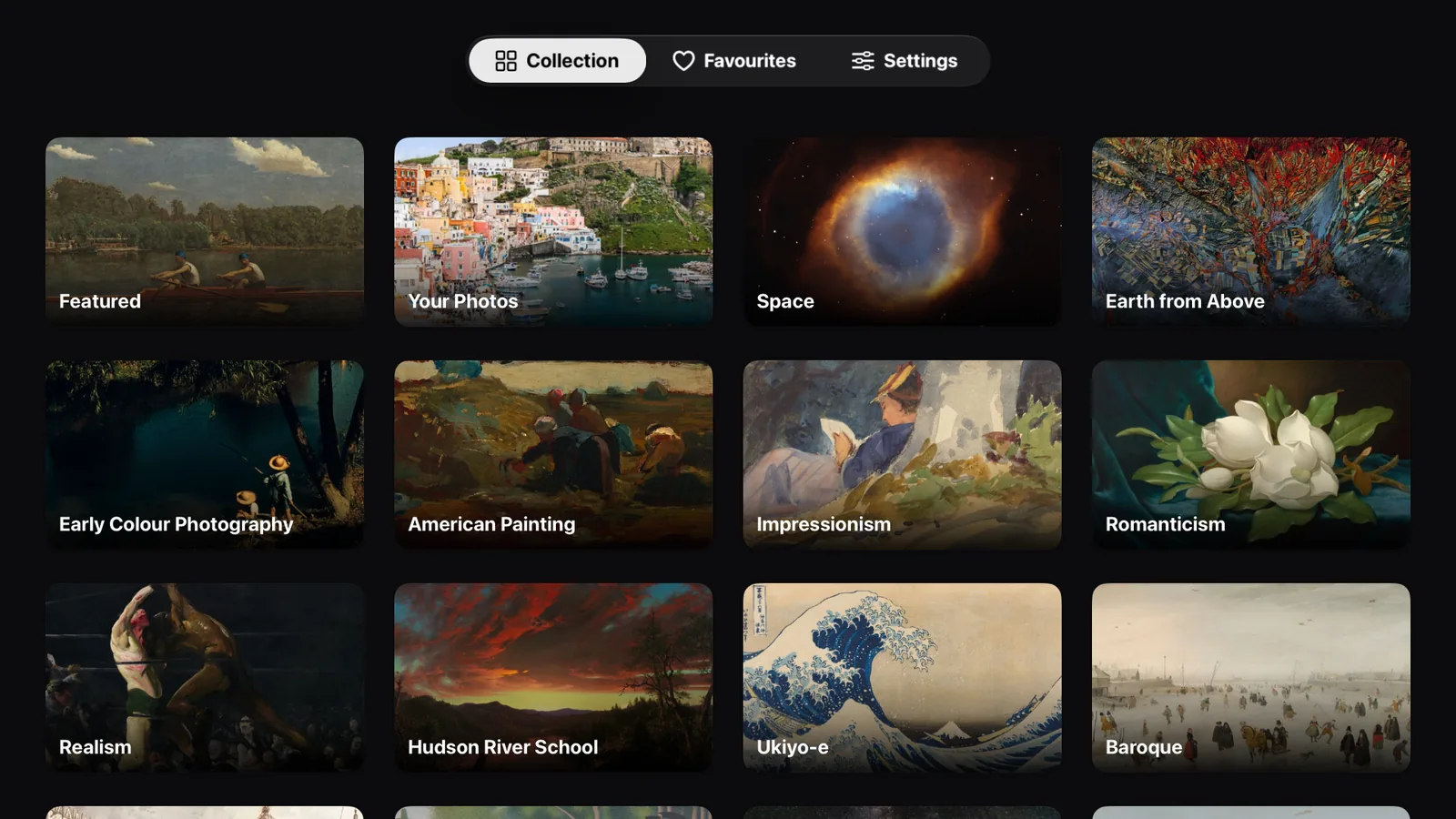
Collection → a gallery → a picture → Display on Frame.
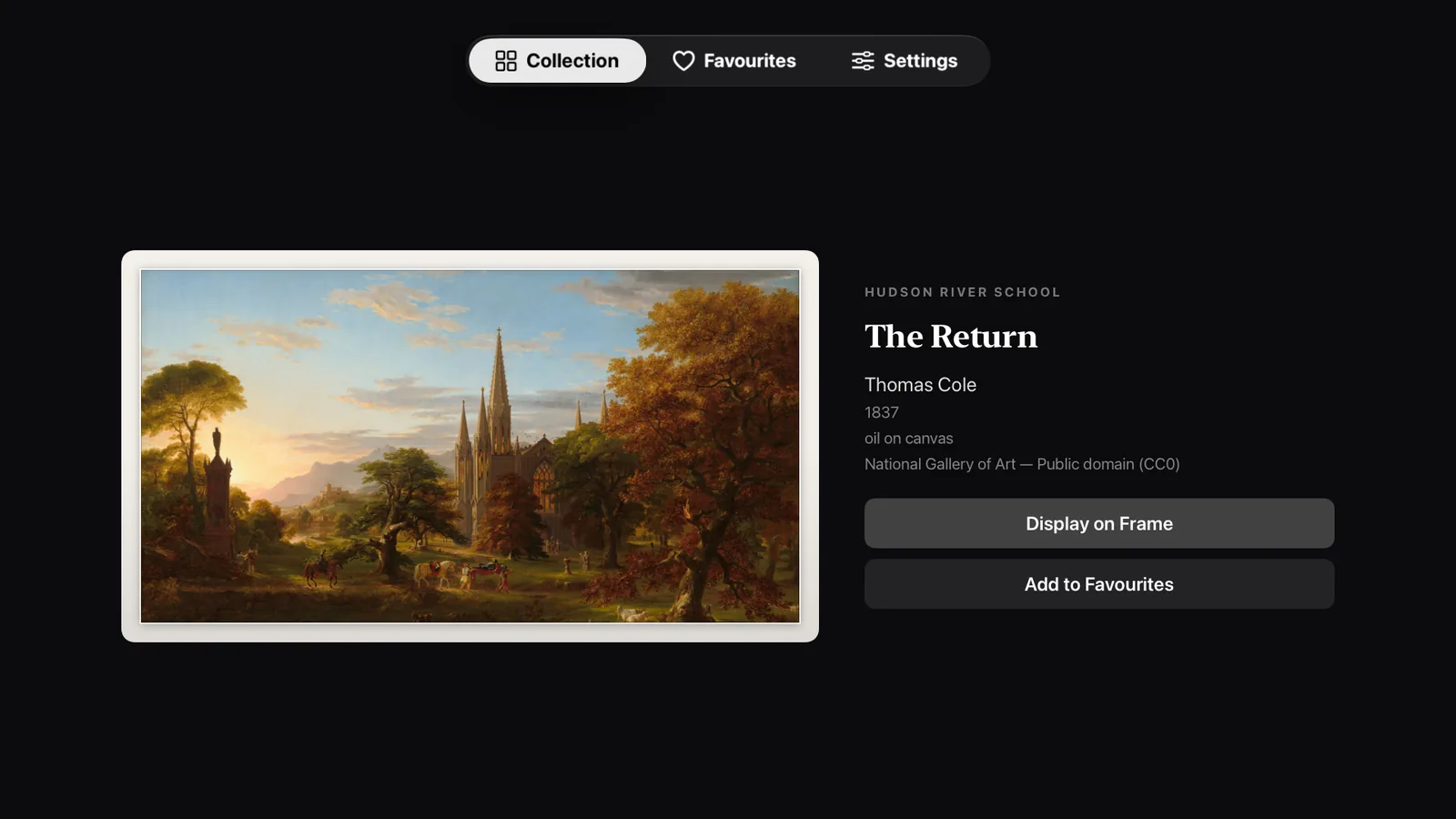
The picture's page also shows its label: artist, date, medium, and the museum or archive it comes from.
Saving favourites
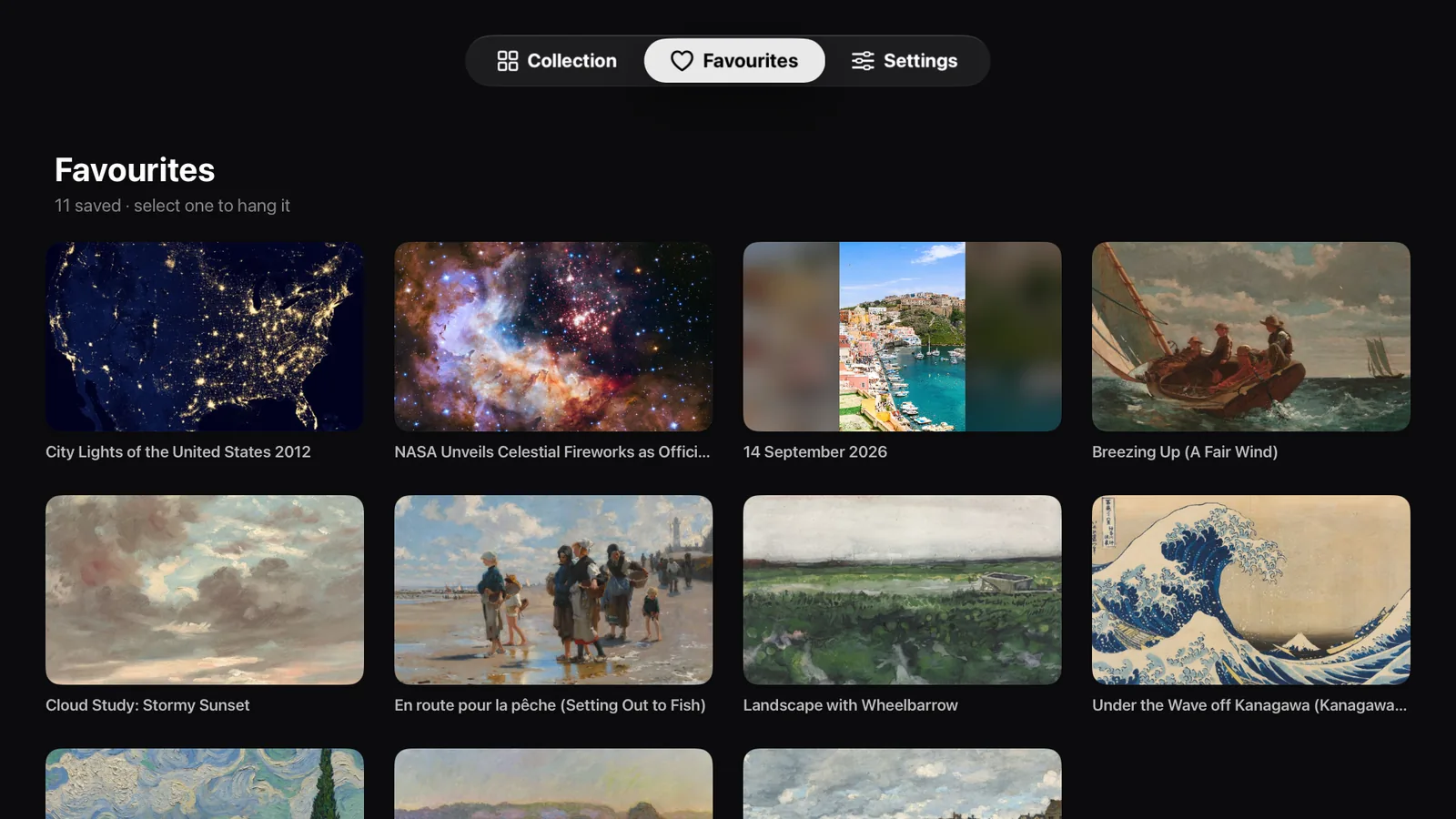
Choose Add to Favourites on any picture. Everything you save is in the Favourites tab, and selecting one hangs it. To remove a favourite, open the picture in its gallery and choose Remove from Favourites.
Favourites from the collection follow you through iCloud to every Apple TV signed in to the same Apple Account. Your own photos stay on the Apple TV you saved them on.
Your own photos
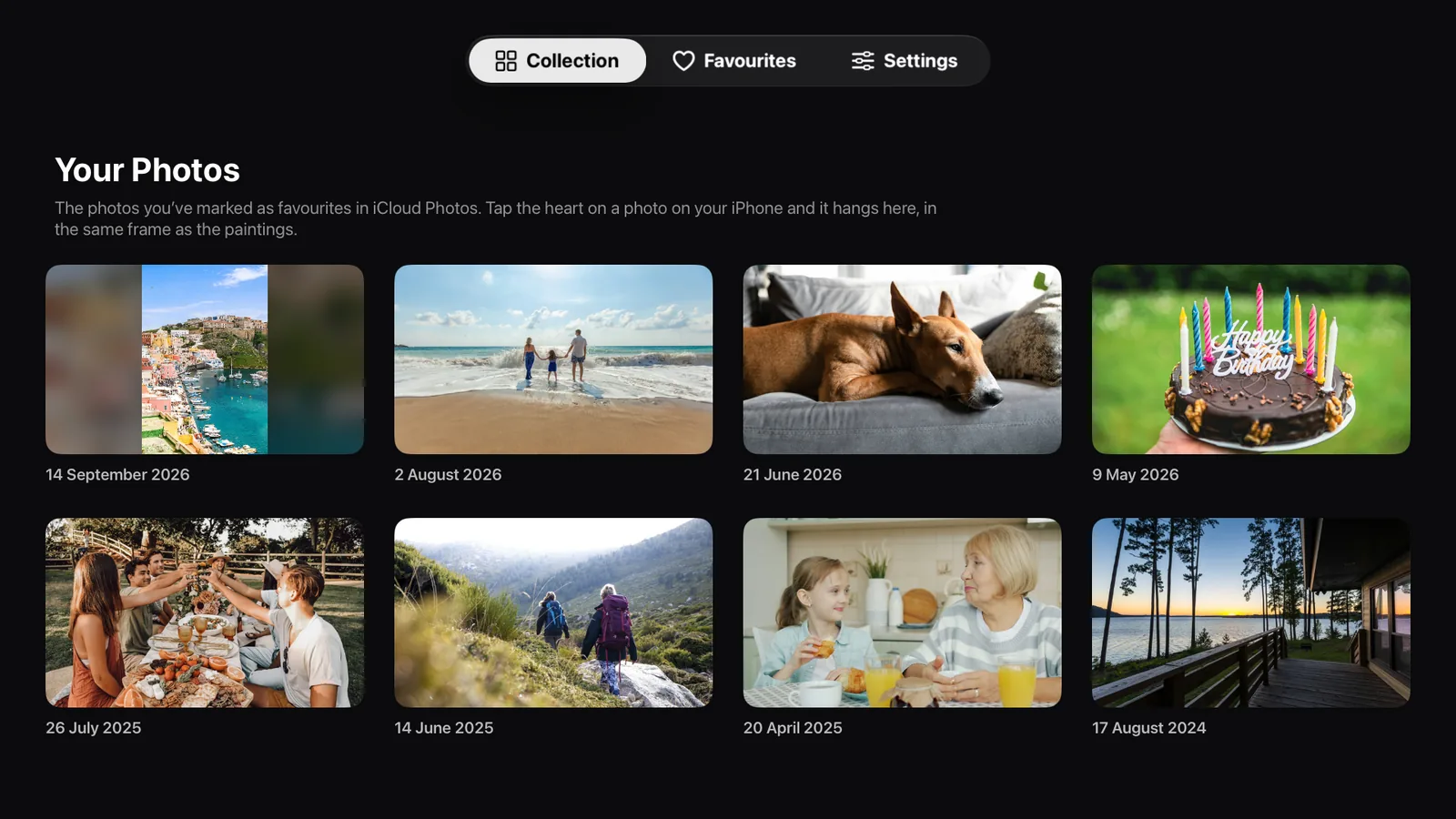
Your Photos, in the collection, shows the photos you have marked as favourites in iCloud Photos. The first time you open it, choose Show My Favourites and allow Salon to see your photos. It shows no others, and never uploads them.
To set it up:
- On your iPhone, open Settings, tap your name, then iCloud, then Photos, and turn on Sync this iPhone.
- In Photos on your iPhone, tap the heart on each photo you want on your wall. Tap it again to take one down.
- On your Apple TV, open Settings, go to Profiles and Accounts, choose your name, then iCloud, and turn on iCloud Photos, using the same Apple Account as on your iPhone.
- Open Your Photos in Salon. New favourites can take a few minutes to arrive from iCloud.
A photo taller than it is wide hangs whole, with a soft, blurred copy of itself filling the sides. To have one fill the screen instead, choose Fill the Screen on its page.
The mat
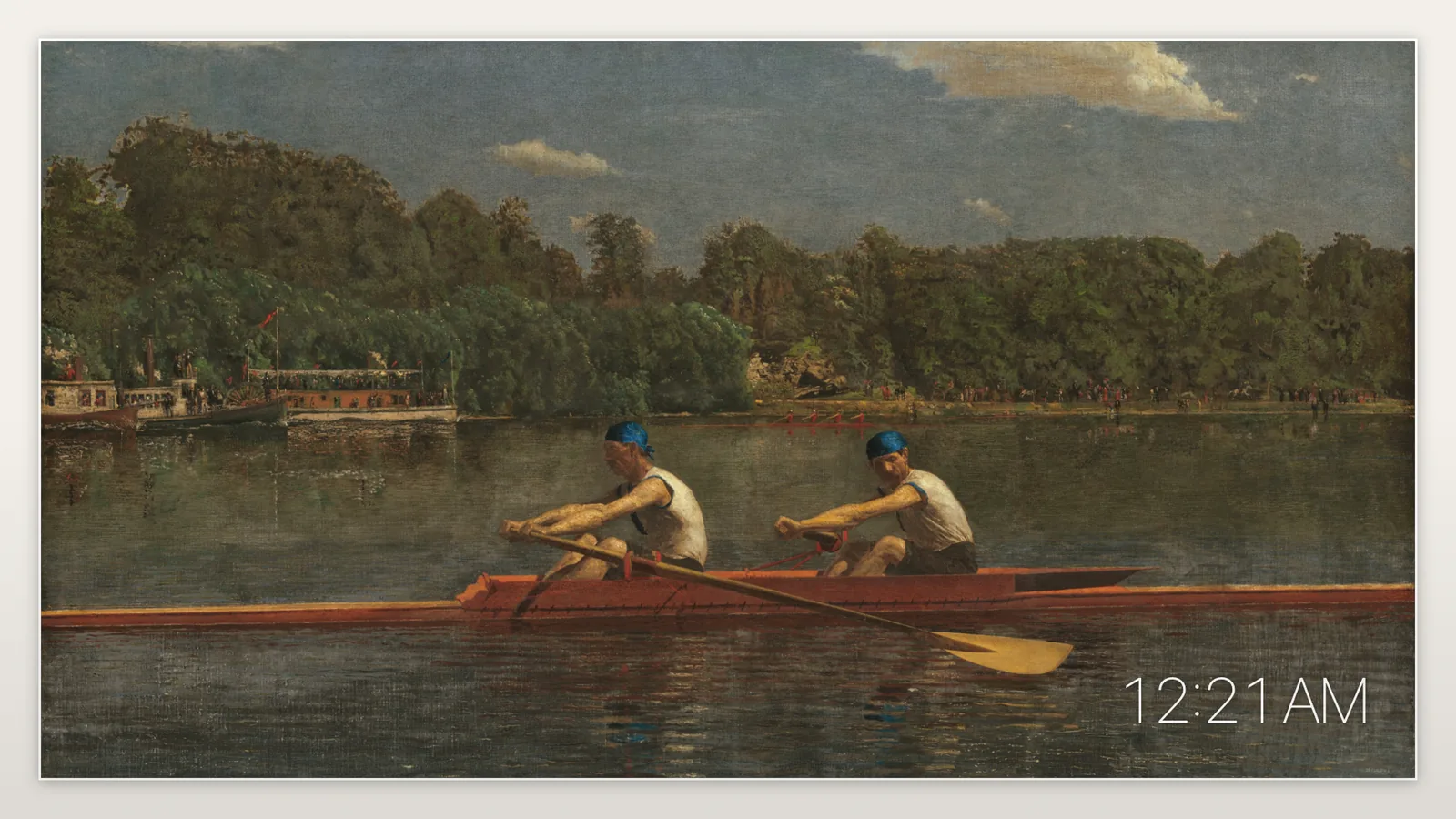
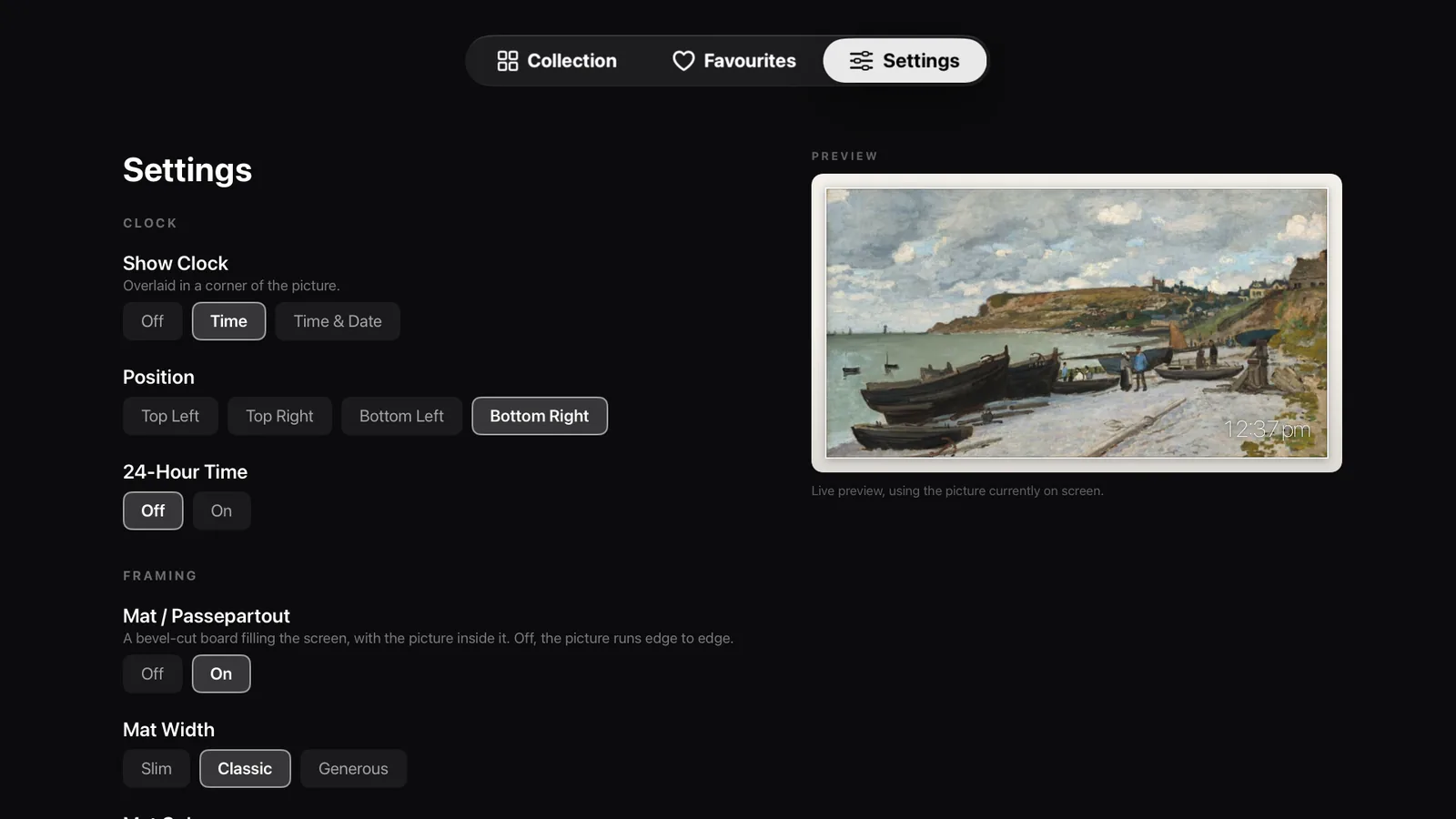
Settings → Framing. Off, the picture fills the screen. On, a bevel-cut board surrounds it, in five colours and three widths.
The clock
Settings → Clock. Off, time, or time and date, in any corner, twelve- or twenty-four-hour.
Changing pictures automatically
Settings → On Screen → Change Picture Automatically. Choose every minute, every 5 or 15 minutes, every hour, or Daily, which changes the picture at midnight, and whether the order is In Order or Shuffled. The frame moves through your favourites, so save at least two for it to have somewhere to go.
Keeping the picture on screen
Settings → On Screen → Keep Screen Awake stops the Apple TV screen saver from taking over the frame.
Salon on the Top Shelf
Put Salon in the top row of the Home Screen: highlight it, press and hold the clickpad, choose Edit Home Screen, move it up, then press the centre of the clickpad. When Salon is highlighted, the picture on your wall and your favourites appear above the row. Swipe up to see them full screen, and select one to open Salon with that picture hanging.
Languages
Salon is available in English, Spanish, French, German, Italian and Japanese, and follows the language of your Apple TV: Settings → General → Language. Picture titles stay as the museums publish them, which is usually in English.
Accessibility
Salon supports these settings from Settings → Accessibility on your Apple TV:
- VoiceOver reads every picture, gallery and setting by name, says which option is selected, and on the frame reads the title and artist of the picture on your wall.
- Reduce Motion turns off the zoom on focused items, the sliding captions and the animated reveals.
- Bold Text makes the clock, captions and tip heavier and easier to read from across the room.
- Increase Contrast strengthens faint text and deepens the shadow behind the clock, so it stays readable on pale pictures.
Questions
Is there a subscription?
No. Salon is a single purchase, with no in-app purchases, no subscription and no account.
Which Apple TV do I need?
Any Apple TV HD or Apple TV 4K with tvOS 17 or later.
Can I show my own photos?
Yes. Tap the heart on a photo on your iPhone and, through iCloud Photos, it appears in Your Photos in Salon, ready to hang in the same frame as the paintings. There is no album to make and nothing to upload, and the photos never leave your Apple TV.
Does it need the internet?
To browse the collection and add new pictures, yes. The picture on your wall and your favourites are kept on the Apple TV, so the frame keeps going if the connection drops.
Why is there no Picasso or Warhol?
Most art made after about 1930 is still under copyright almost everywhere, so no open collection can offer it. The paintings stop there; the photographs of space and of Earth come right up to the present day.
Why are some galleries small?
The museum galleries only show work that is public domain, flat, and wider than it is tall, so it fills a television. For some periods that leaves genuinely few pictures, and the app shows what exists rather than padding a gallery out.
How is Salon different from Samsung's Art Store?
Samsung's Art Store needs a Samsung TV that supports it, such as The Frame, and costs $4.99 a month or $49.99 a year in the US for the full catalogue. Salon works with the Apple TV you already have, on whatever TV it is plugged into, for a single purchase of $9.99. Salon compared with Samsung and the other art apps.
Can I use Salon on more than one Apple TV?
Yes. Download it on any Apple TV signed in to the Apple Account you bought it with. Favourites from the collection follow you to each one through iCloud; settings, and your own photos, are kept on each Apple TV separately.
I deleted Salon. How do I get it back?
Open the App Store on your Apple TV, go to Purchased, and download Salon again at no charge. Favourites from the collection come back from iCloud; settings start fresh.
A picture will not load.
Check that the Apple TV is online, then choose Try Again. The picture on your wall and your favourites are kept on the device and do not need a connection.
Does Salon collect any data?
No. There is no account, no analytics, no tracking and no third-party code. Settings stay on your Apple TV, favourites are kept in your own iCloud, and your photos are shown on the Apple TV and never uploaded. The privacy policy has the details.
Contact
Email salon_support@icloud.com and we will get back to you.